Scroll less.
Keep Titan fresh.

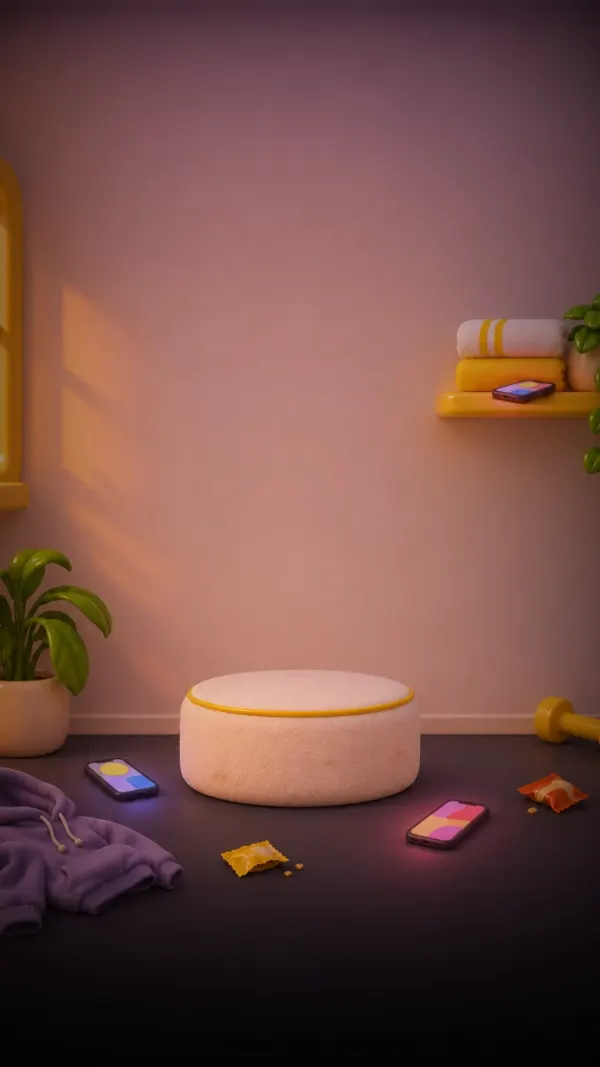
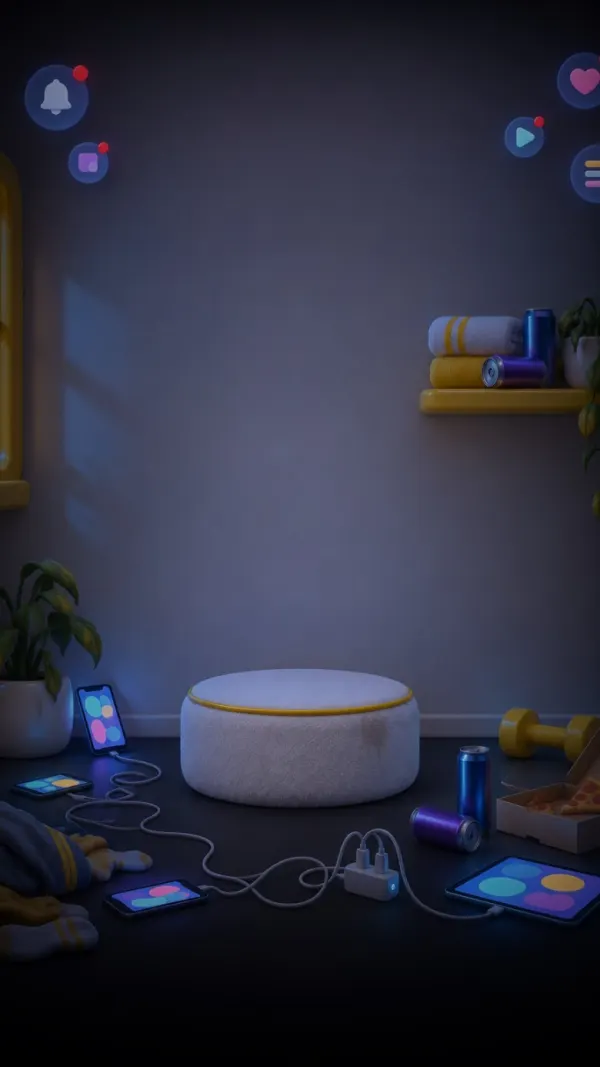
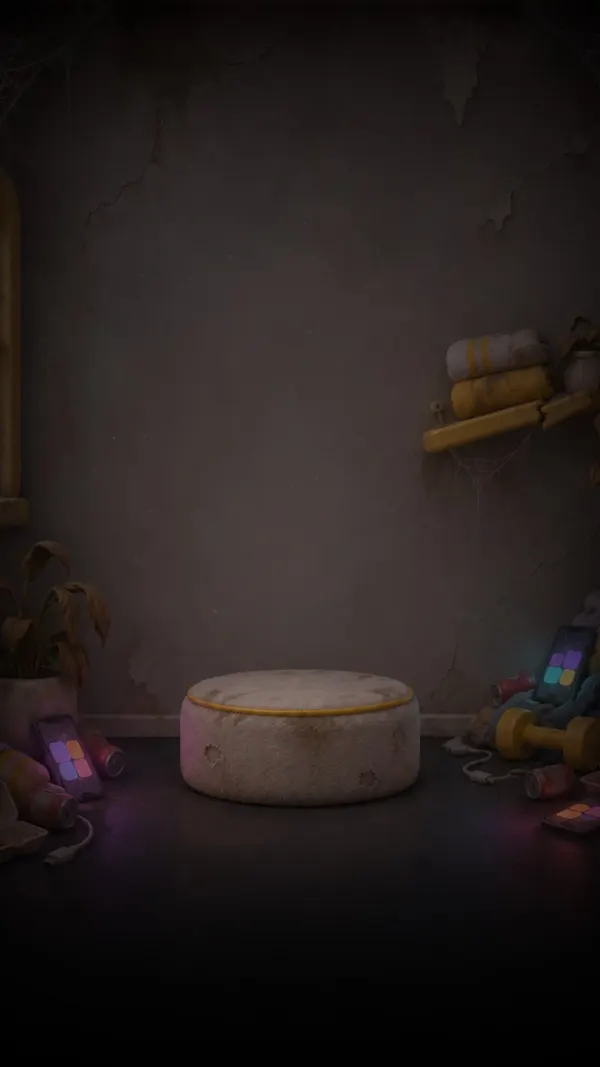
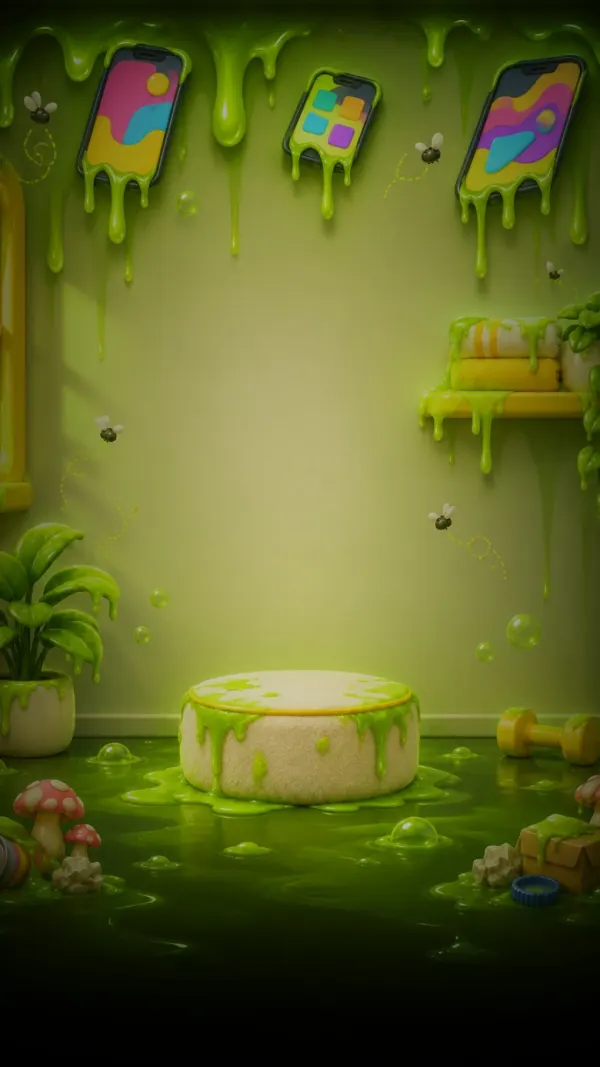
Titan Lock blocks the apps you lose hours to and makes you earn every unlock. Scroll anyway, and Titan Head rots with his room.

Download on the App Store
  • Free
  • No ads
  • Screen Time data stays on your iPhone

How Titan Lock works

Three steps between you and the feed.

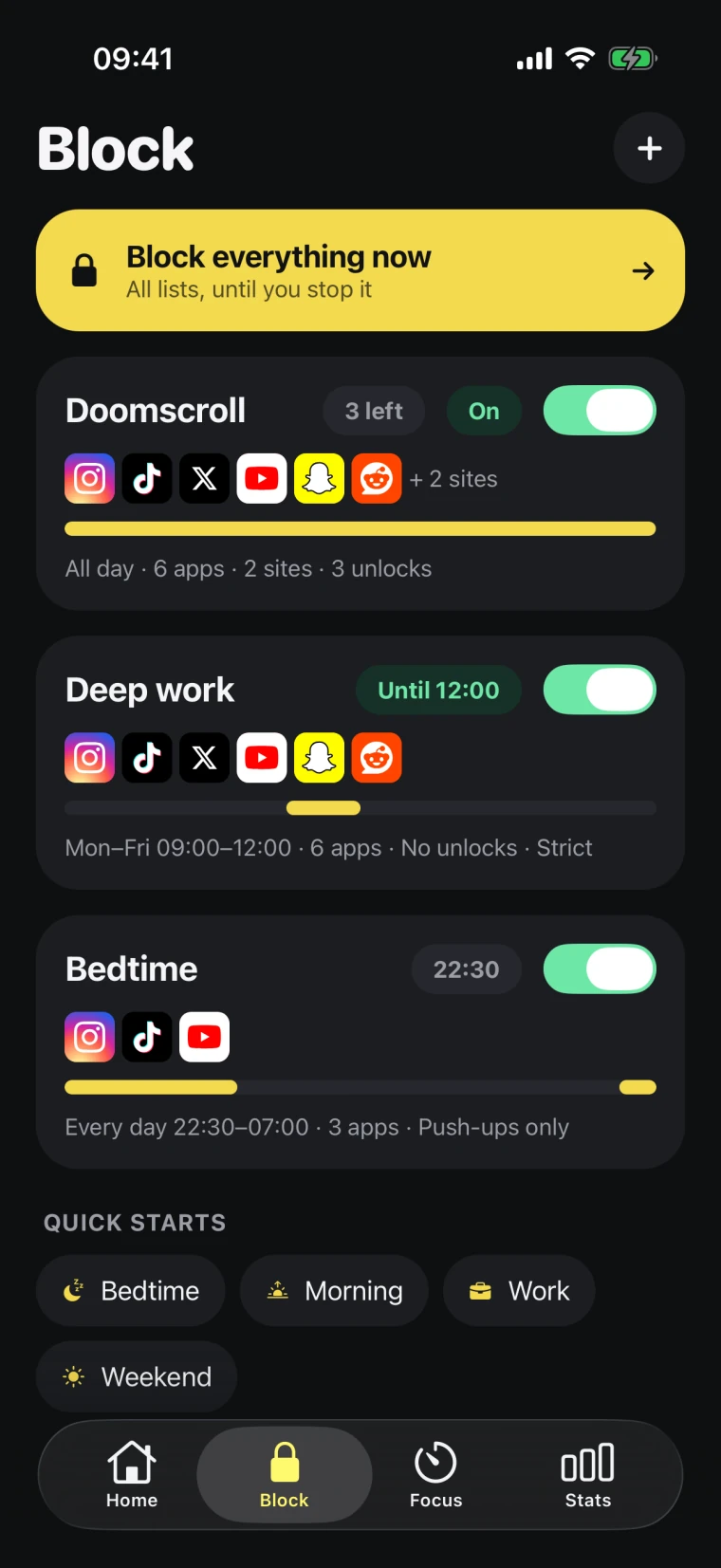
  1. Titan Lock’s Block tab with the Doomscroll, Deep work and Bedtime lists
    1

    Pick what to block

    Choose the apps and sites you doomscroll, and when they lock.

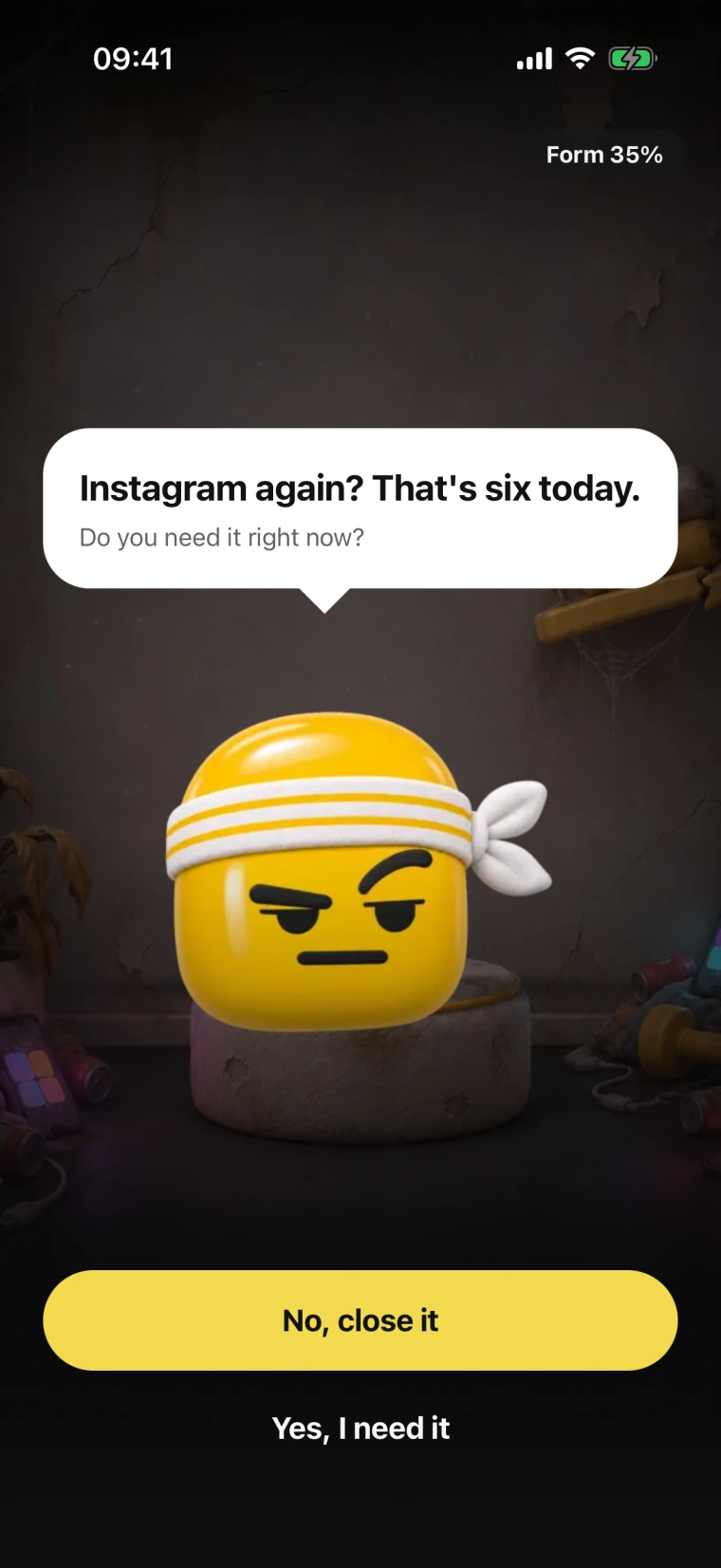
  2. The check-in: Instagram again? That’s six today. Do you need it right now?
    2

    Titan asks first

    Open a blocked app and he checks in: “Do you need it right now?” Say no and win Form back.

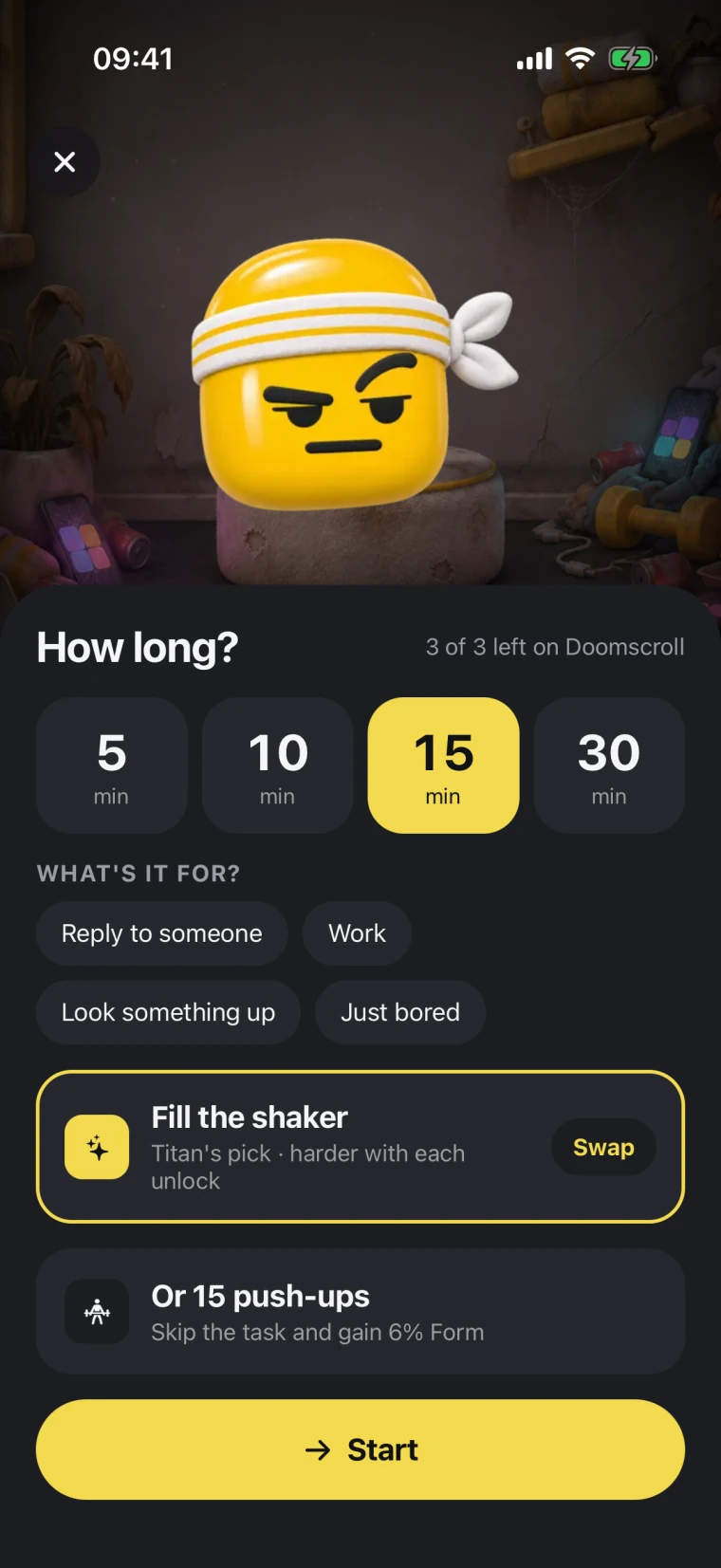
  3. How long: 5, 10, 15 or 30 minutes, with a game or 15 push-ups to unlock
    3

    Earn the unlock

    Pick 5 to 30 minutes and play a quick game, or do 15 push-ups.

Block lists

Lists that fit your day

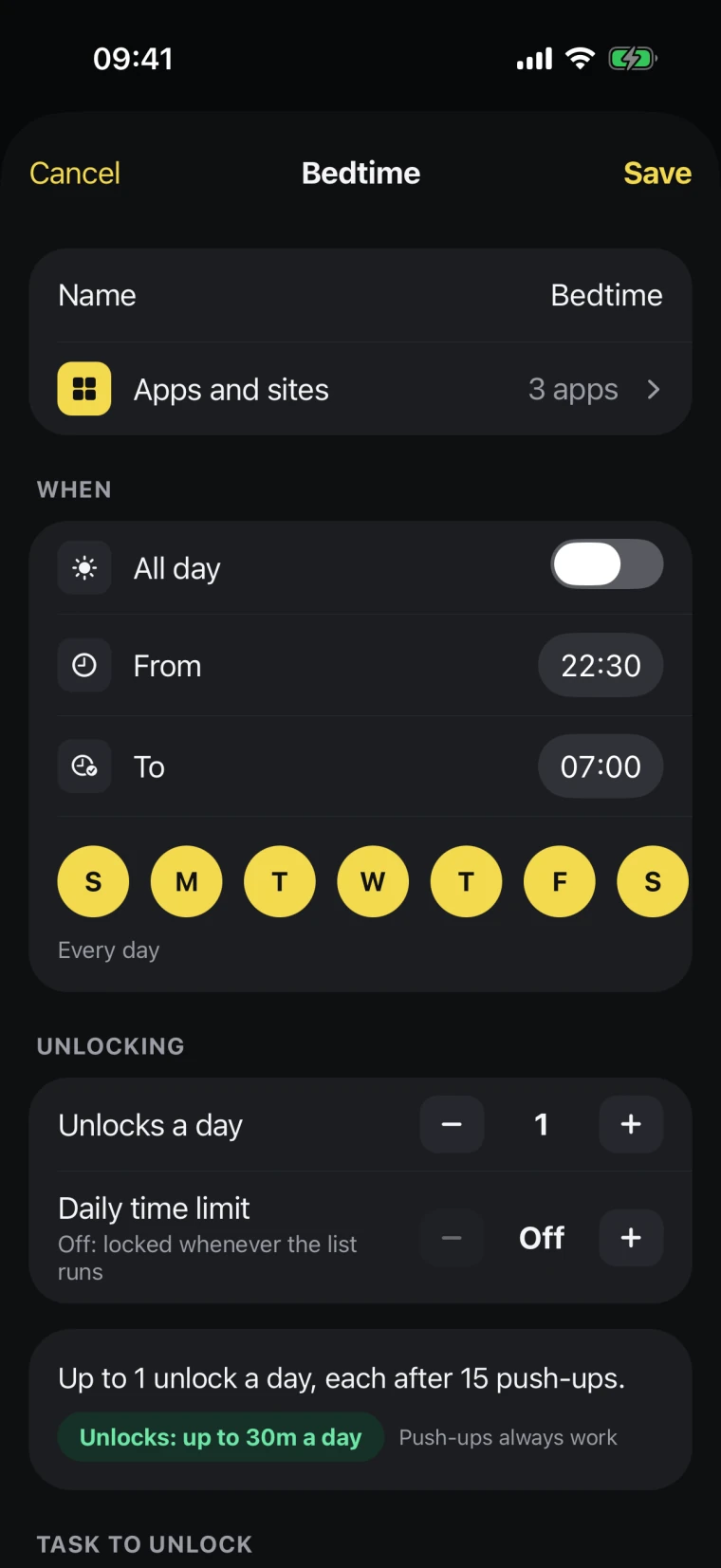
A list for doomscrolling, one for deep work, one for bedtime. Each has its own hours and days, a daily time limit and a number of unlocks.

  • Schedules by hour and day
  • Daily time limits
  • Unlocks a day, or push-ups only
  • Strict mode: can’t be switched off until it ends
  • One button to block everything now
Editing the Bedtime list: apps, hours, days, unlocks a day and daily time limit

Unlock games

Earn every unlock

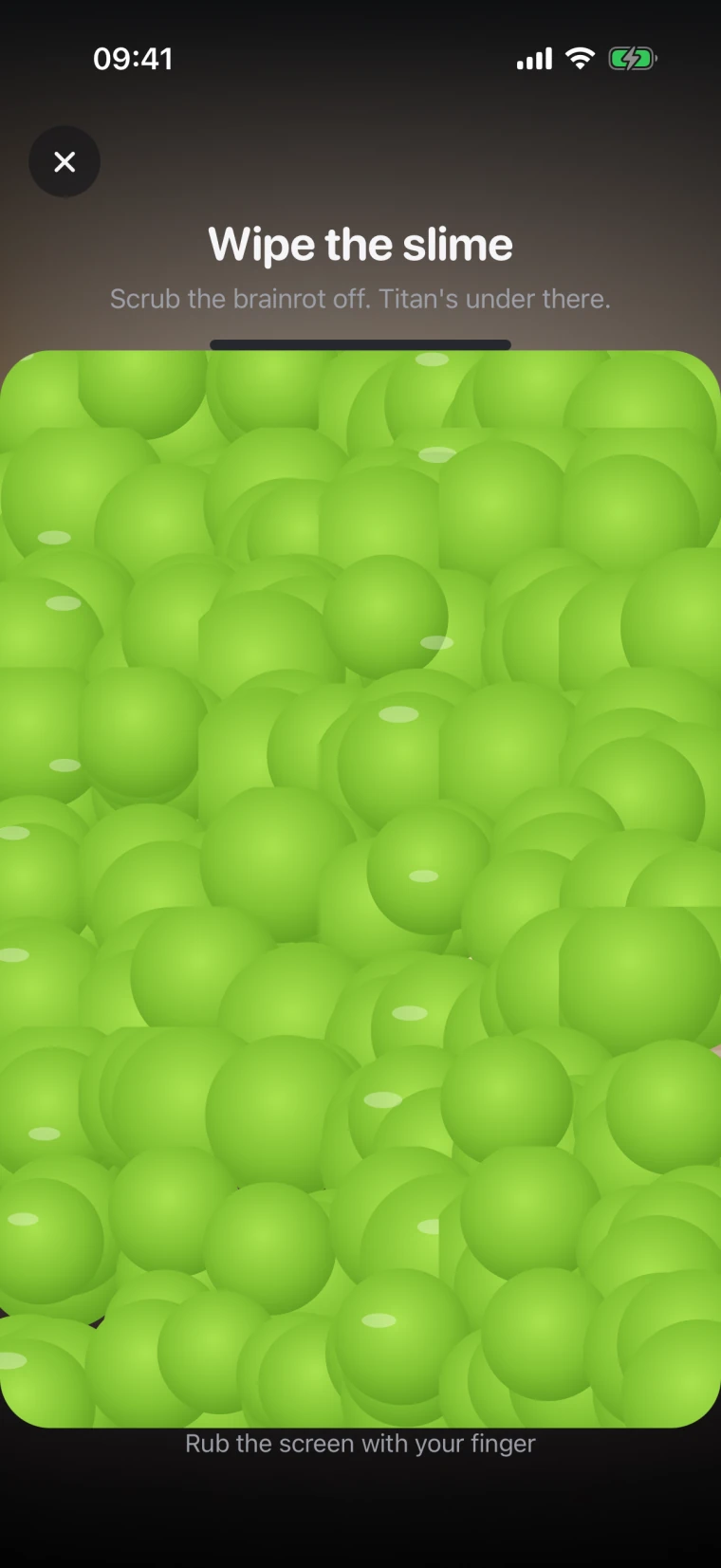
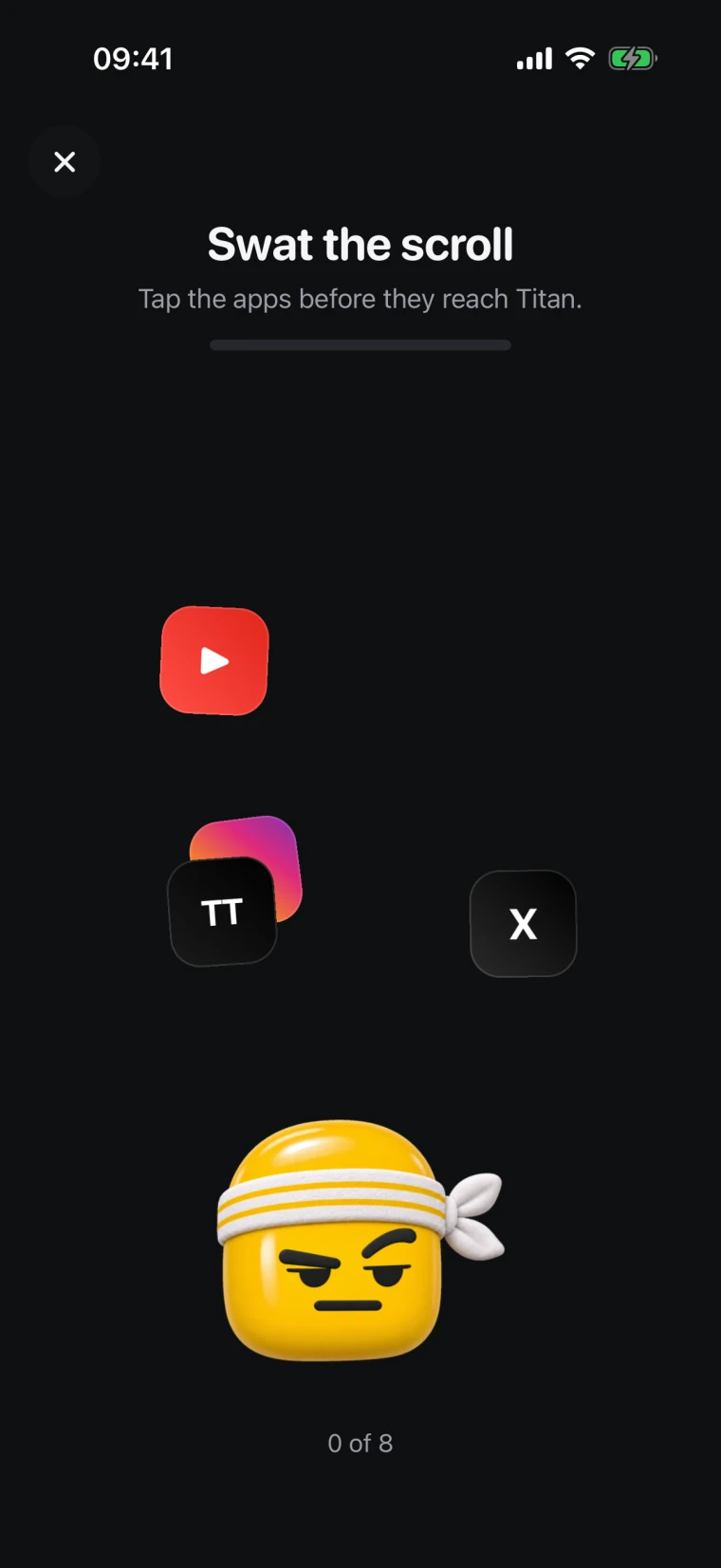
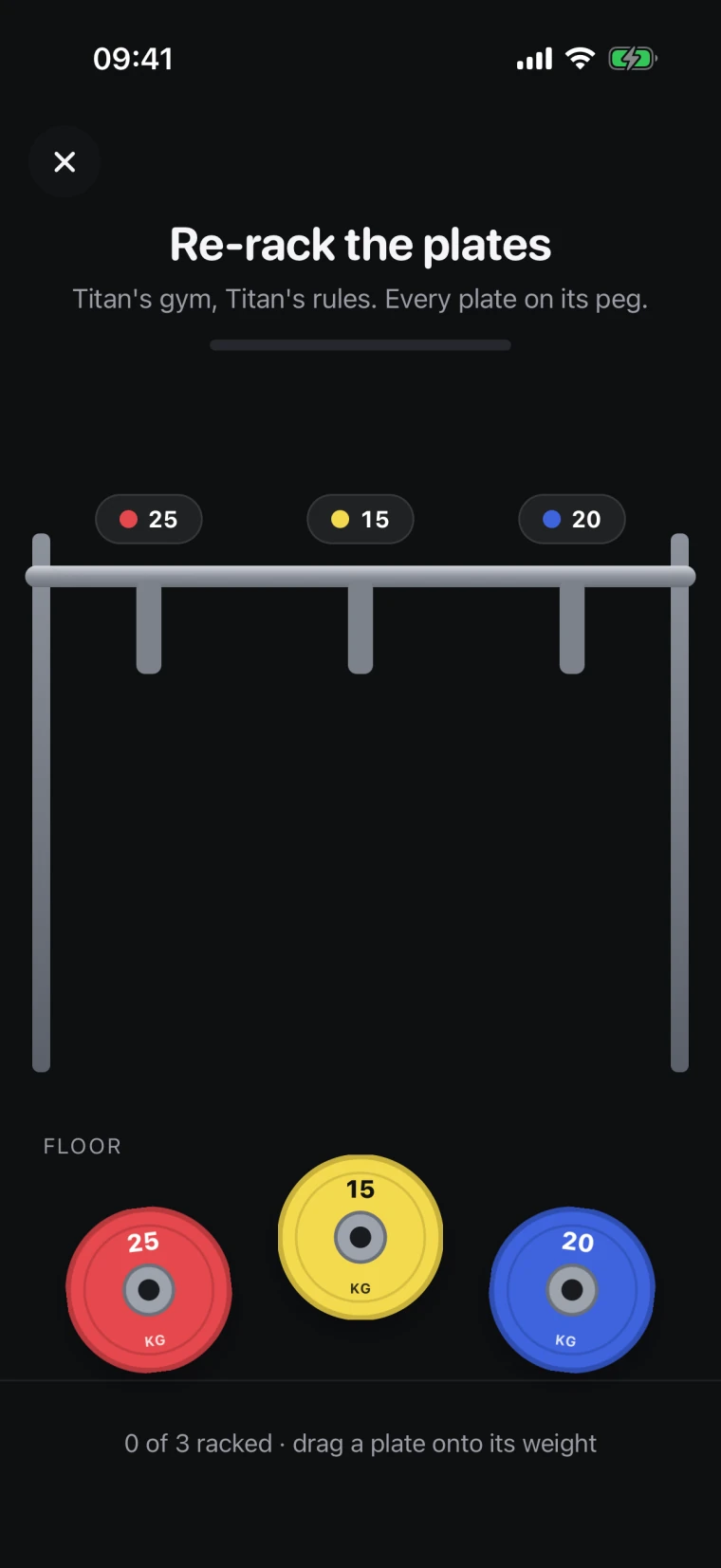
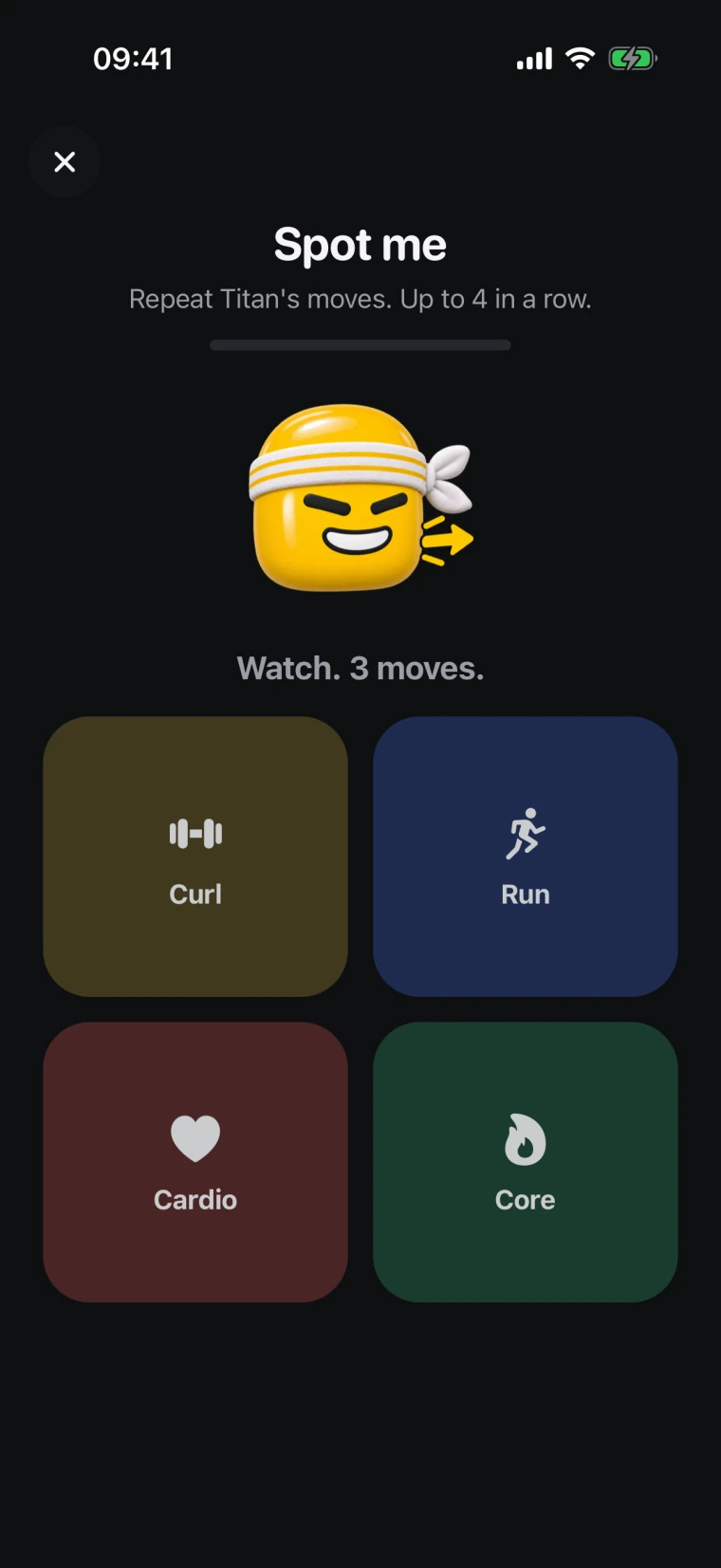
Nine quick games stand between you and the feed, from wiping the slime to balancing the bar. Each unlock that day makes the next one harder. Or drop and give him 15.

  • Wipe the slime: Scrub the brainrot off. Titan’s under there

    Wipe the slime

    Scrub the brainrot off. Titan’s under there.

  • Swat the scroll: Tap the apps before they reach Titan

    Swat the scroll

    Tap the apps before they reach Titan.

  • Re-rack the plates: Titan’s gym, Titan’s rules. Every plate on its peg

    Re-rack the plates

    Titan’s gym, Titan’s rules. Every plate on its peg.

  • Spot me: Repeat Titan’s moves, one more each round

    Spot me

    Repeat Titan’s moves, one more each round.

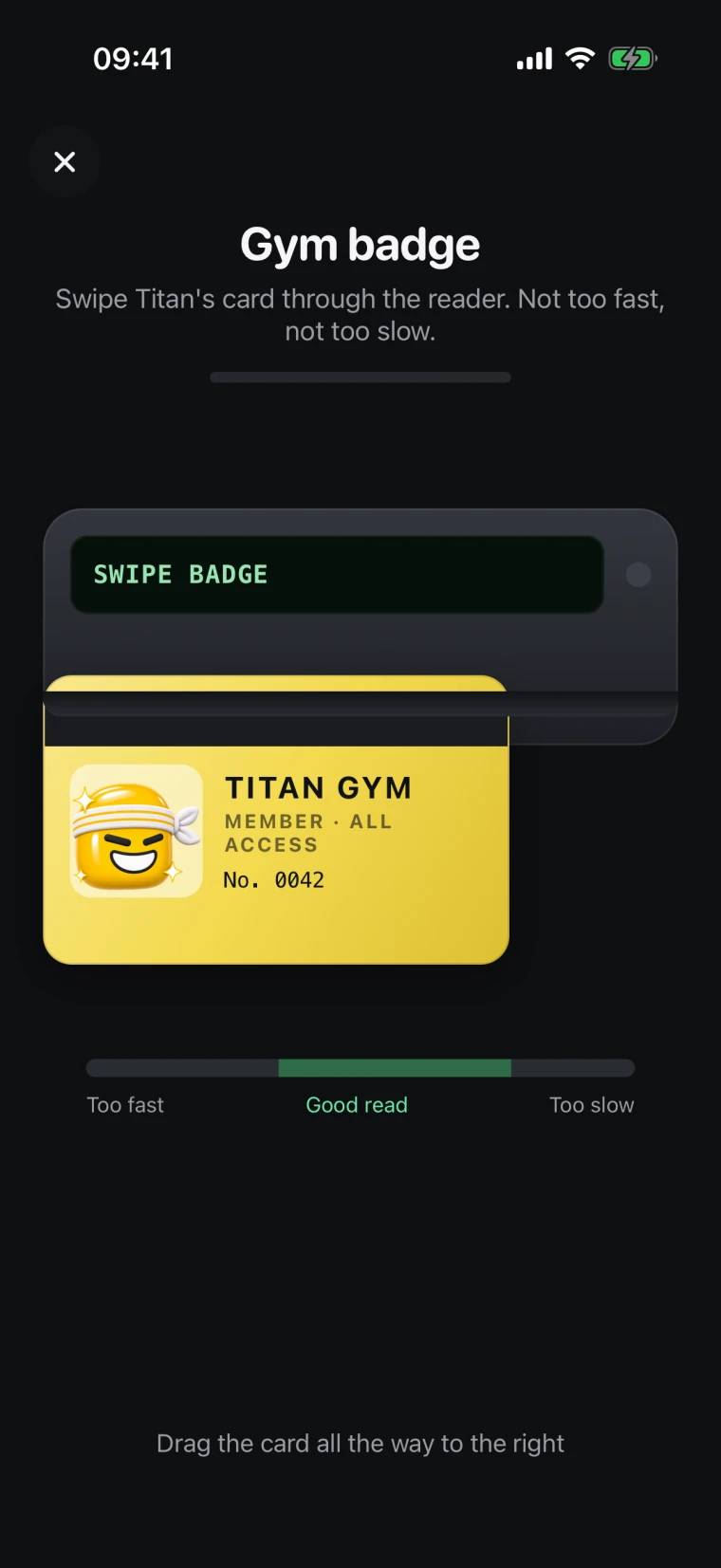
  • Gym badge: Swipe Titan’s card through the reader. Not too fast, not too slow

    Gym badge

    Swipe Titan’s card through the reader. Not too fast, not too slow.

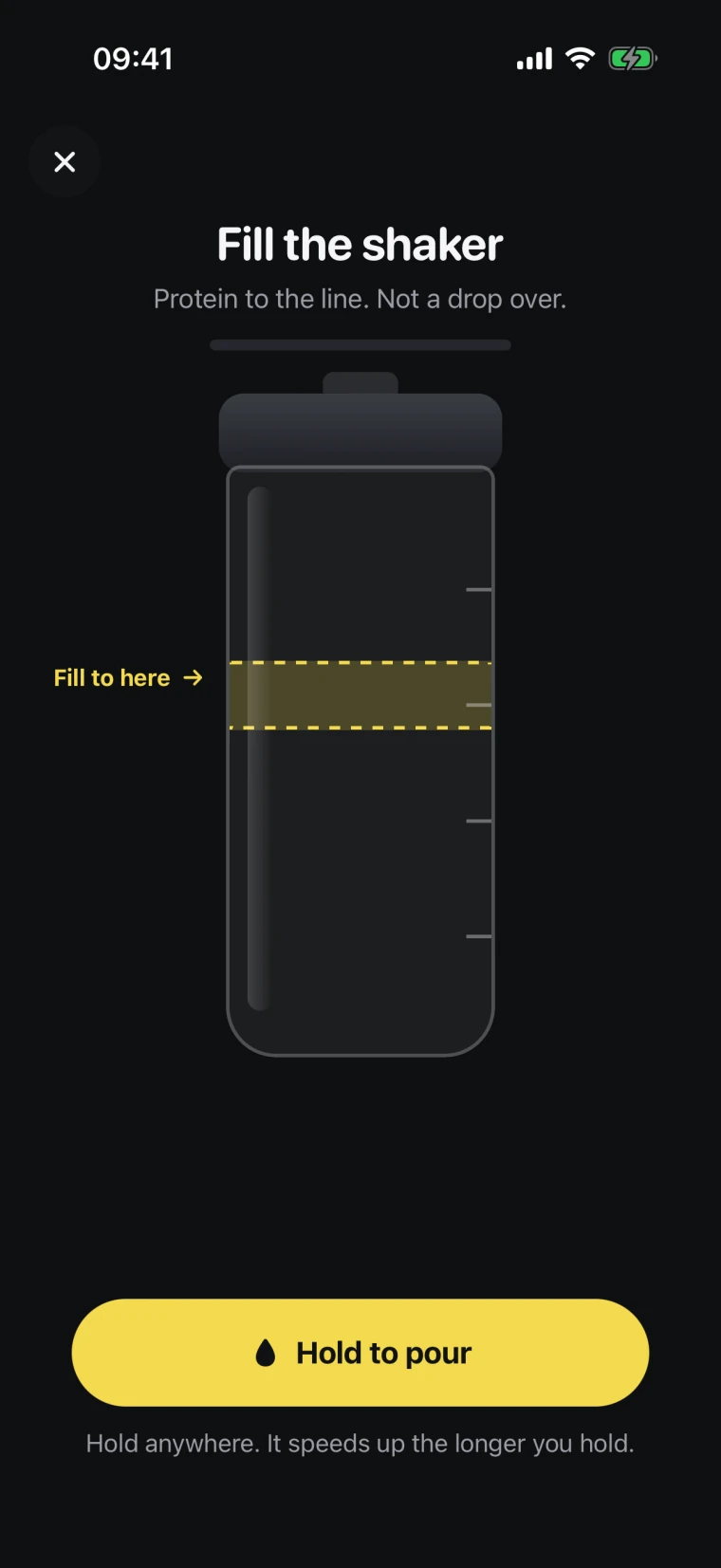
  • Fill the shaker: Protein to the line. Not a drop over

    Fill the shaker

    Protein to the line. Not a drop over.

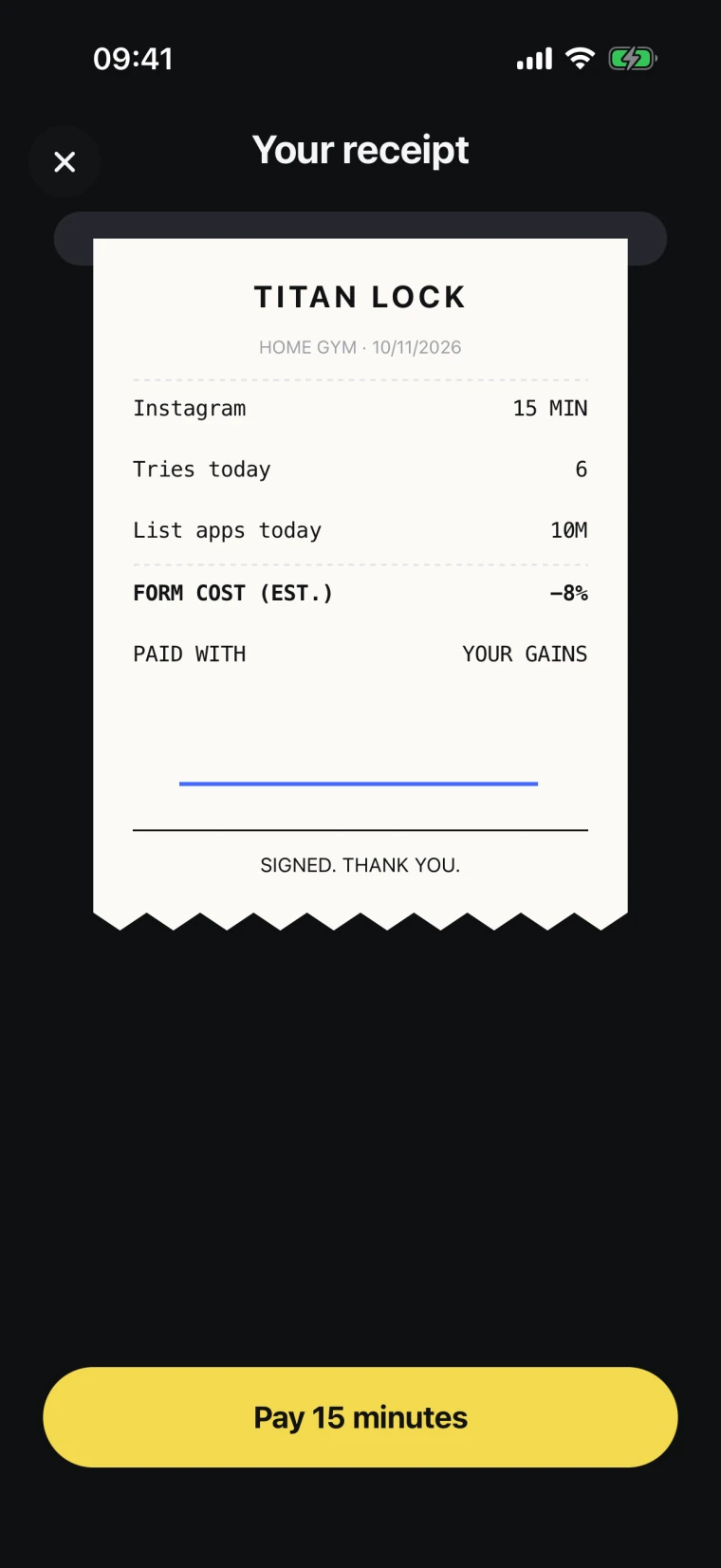
  • Receipt: See what the unlock costs, then sign for it

    Receipt

    See what the unlock costs, then sign for it.

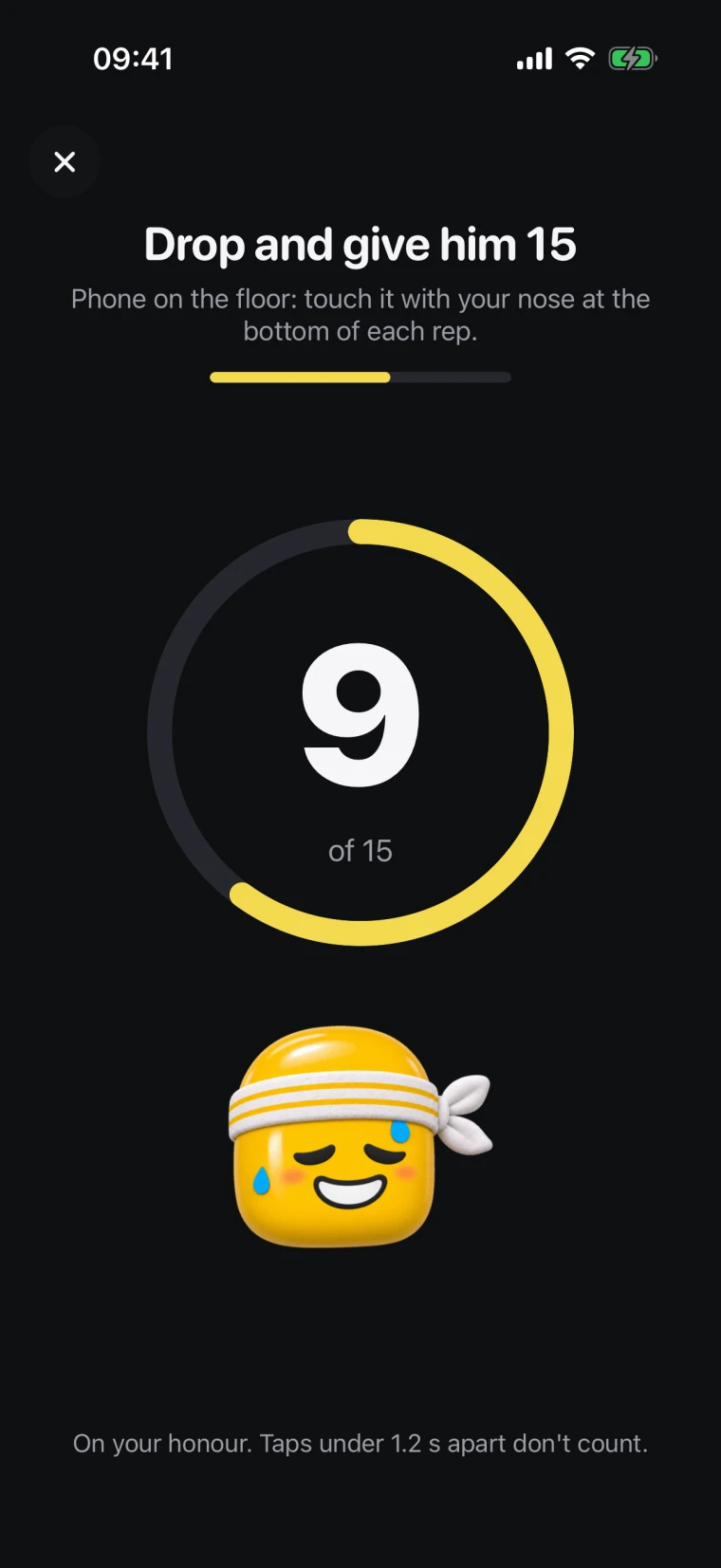
  • Push-ups: 15 on your honour skips the game and wins 6% Form

    Push-ups

    15 on your honour skips the game and wins 6% Form.

Ready to scroll less?Titan Lock is free on iPhone. No ads, no subscription.

Download on the App Store

Focus

Focus sessions. No quitting.

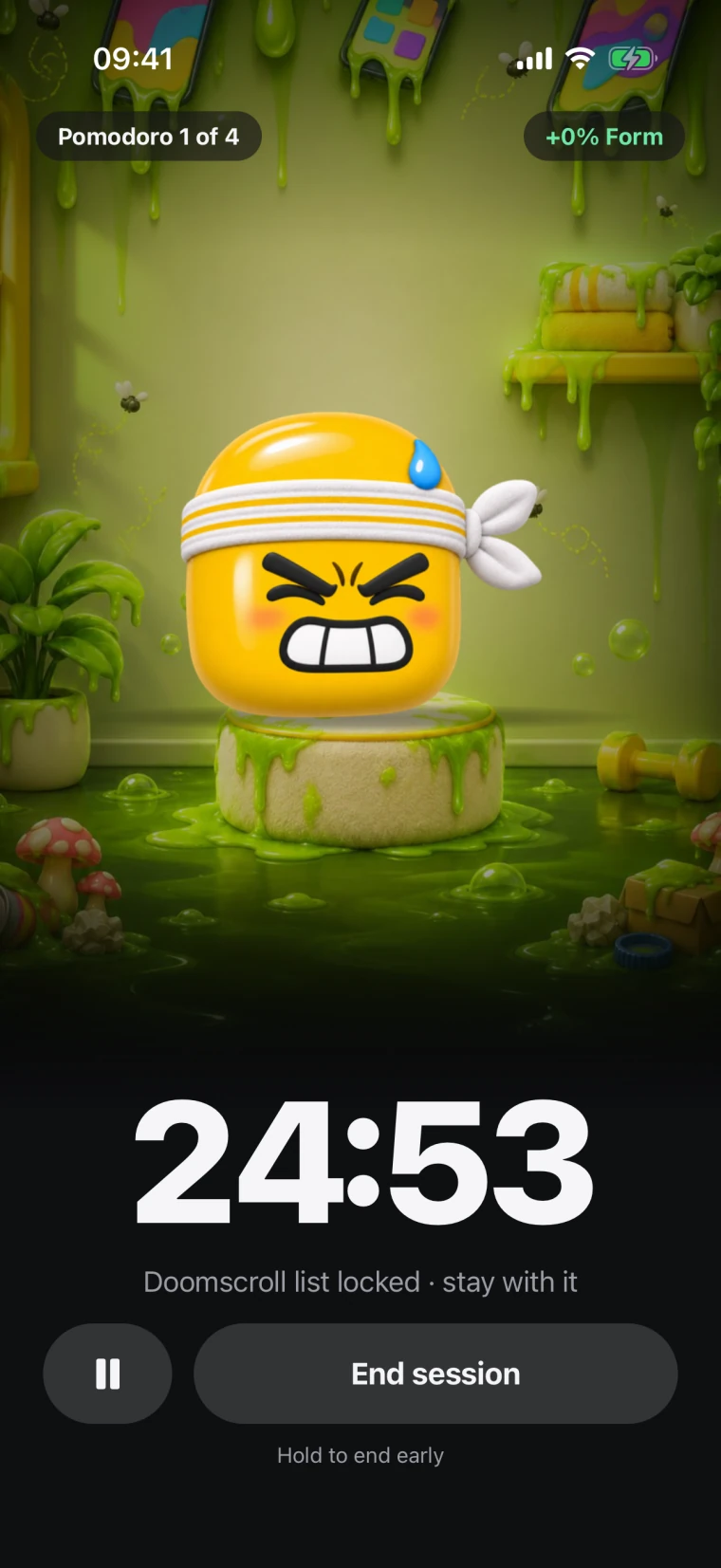
Pomodoro, a long block or your own length. Your list stays locked, and every focus minute wins back Form. Turn on No quitting and there is no pause and no end button.

Counts down on your Lock Screen and in the Dynamic Island.

A focus session running: 24:53 left, Doomscroll list locked

Form & streaks

Keep him in Form

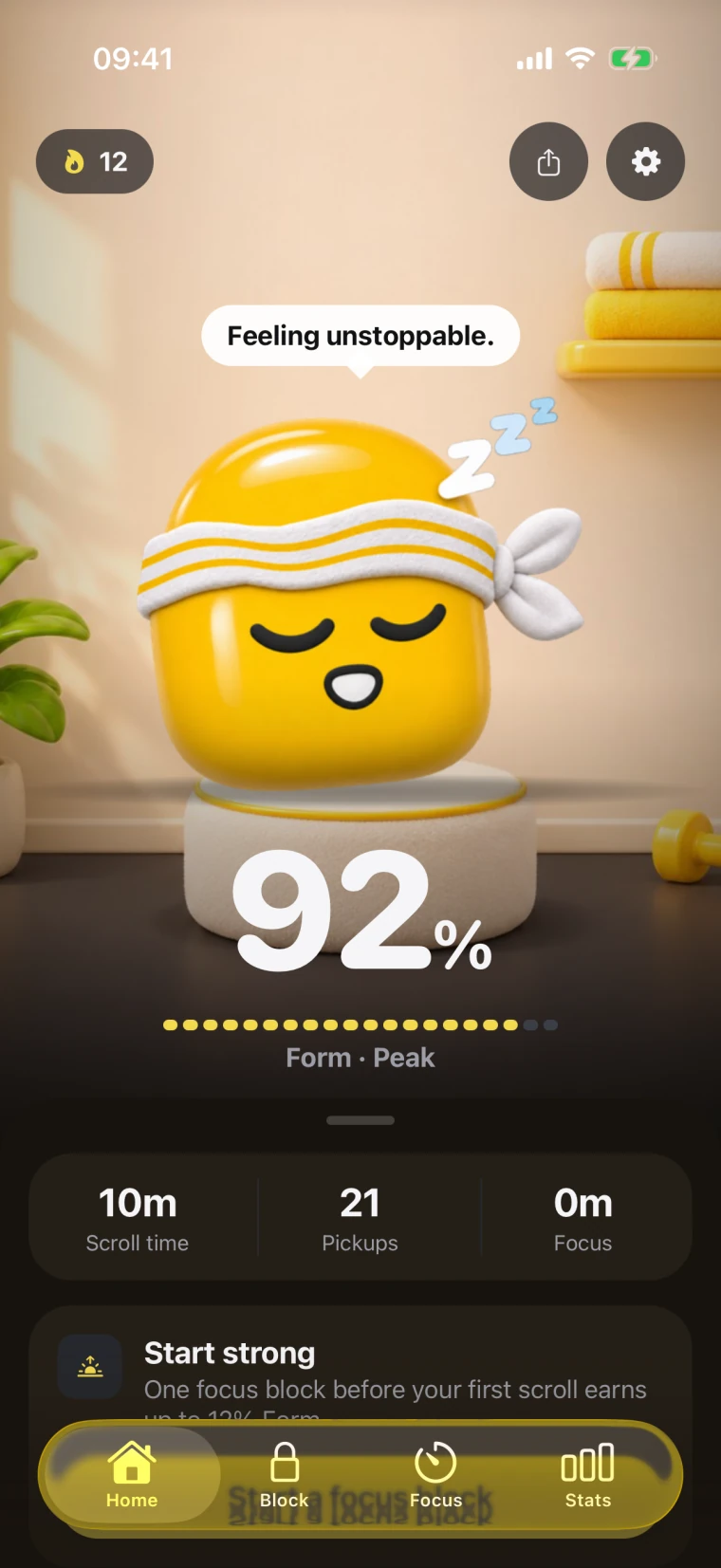
Form is Titan’s score for the day. It starts at 100 every morning. Time on your blocked apps costs Form; saying no, focus and push-ups win it back.

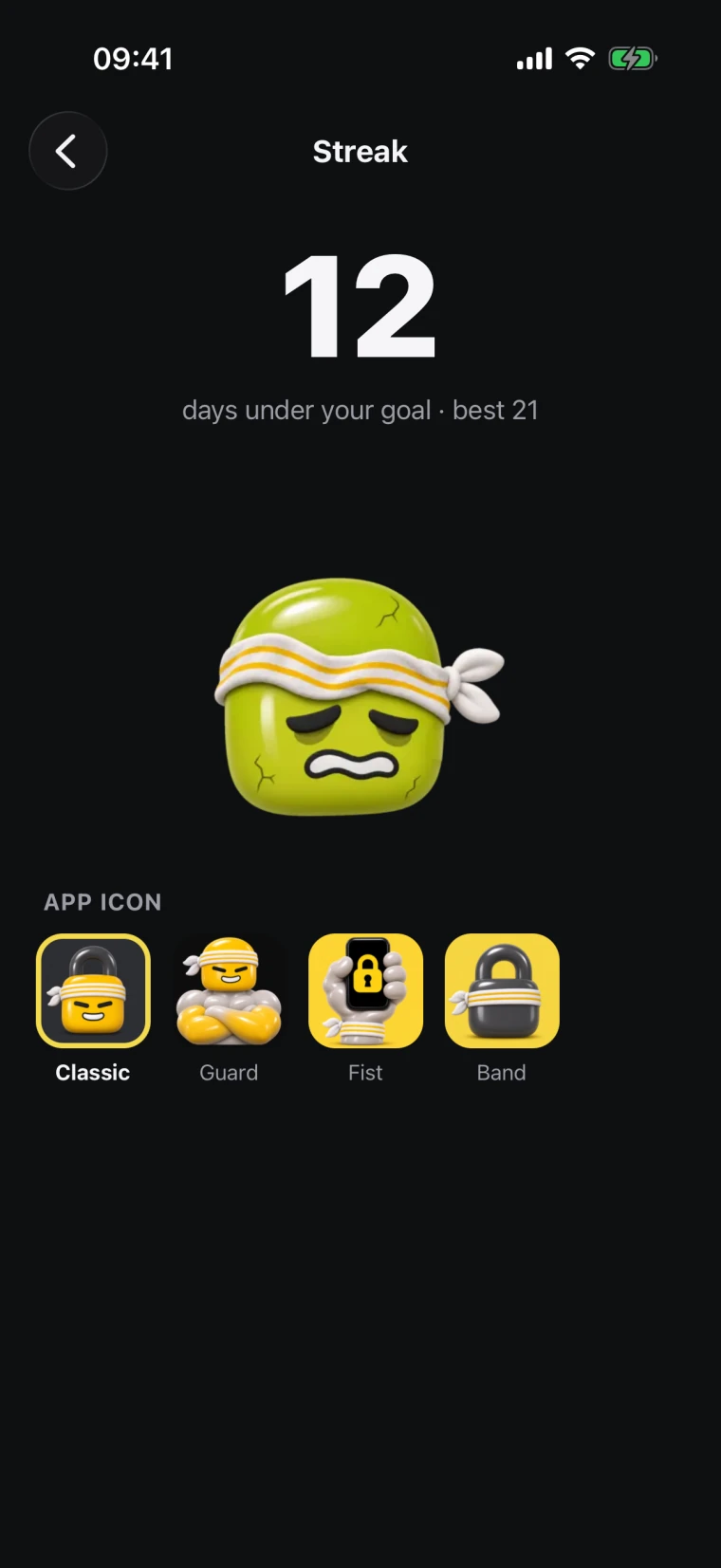
  • A streak for every day under your goal
  • New rooms and app icons as the streak grows
  • Widgets for your Home Screen
Titan Lock’s home screen: Titan at 92% Form, with screen time, pickups and focus
The streak screen: 12 days under your goal, with app icons to unlock

Weekly report

Your week, as a story

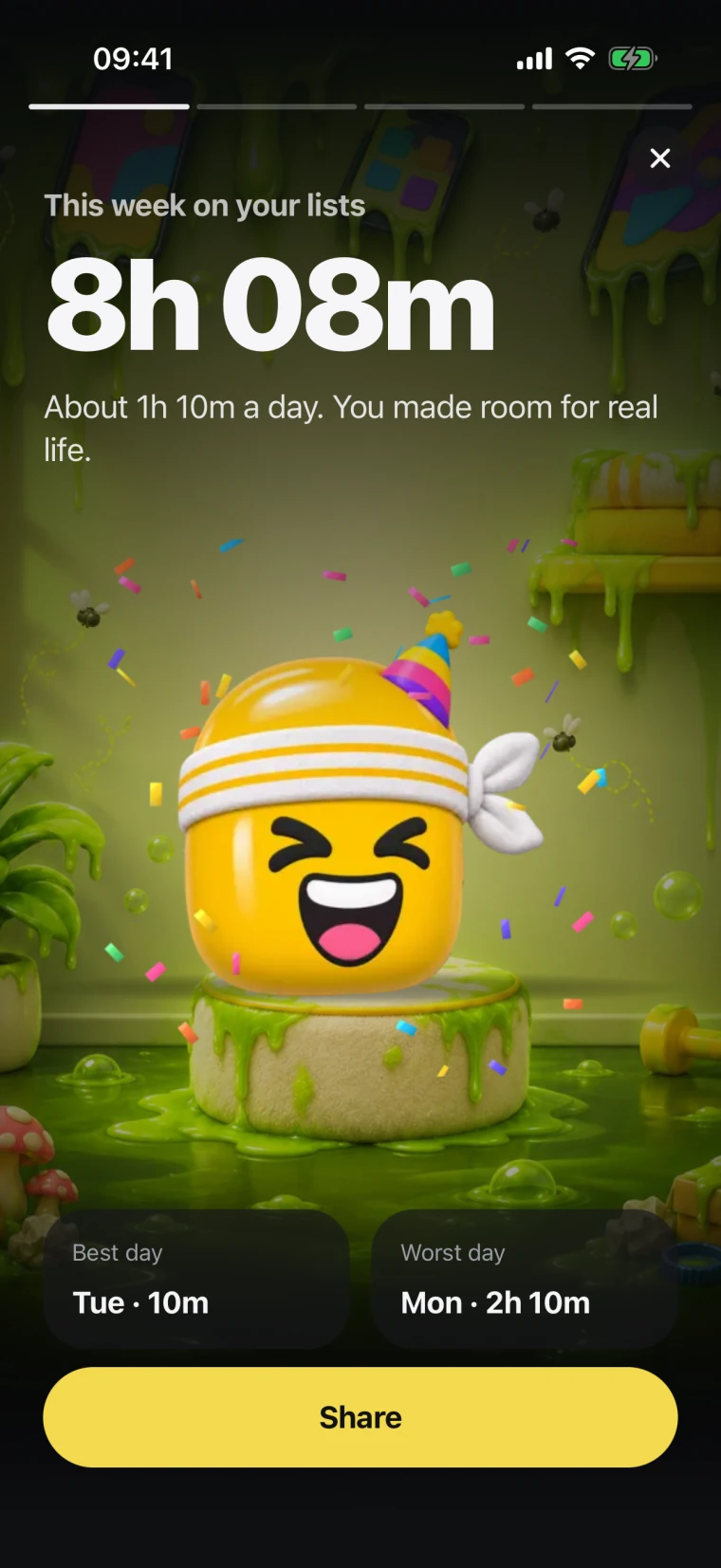
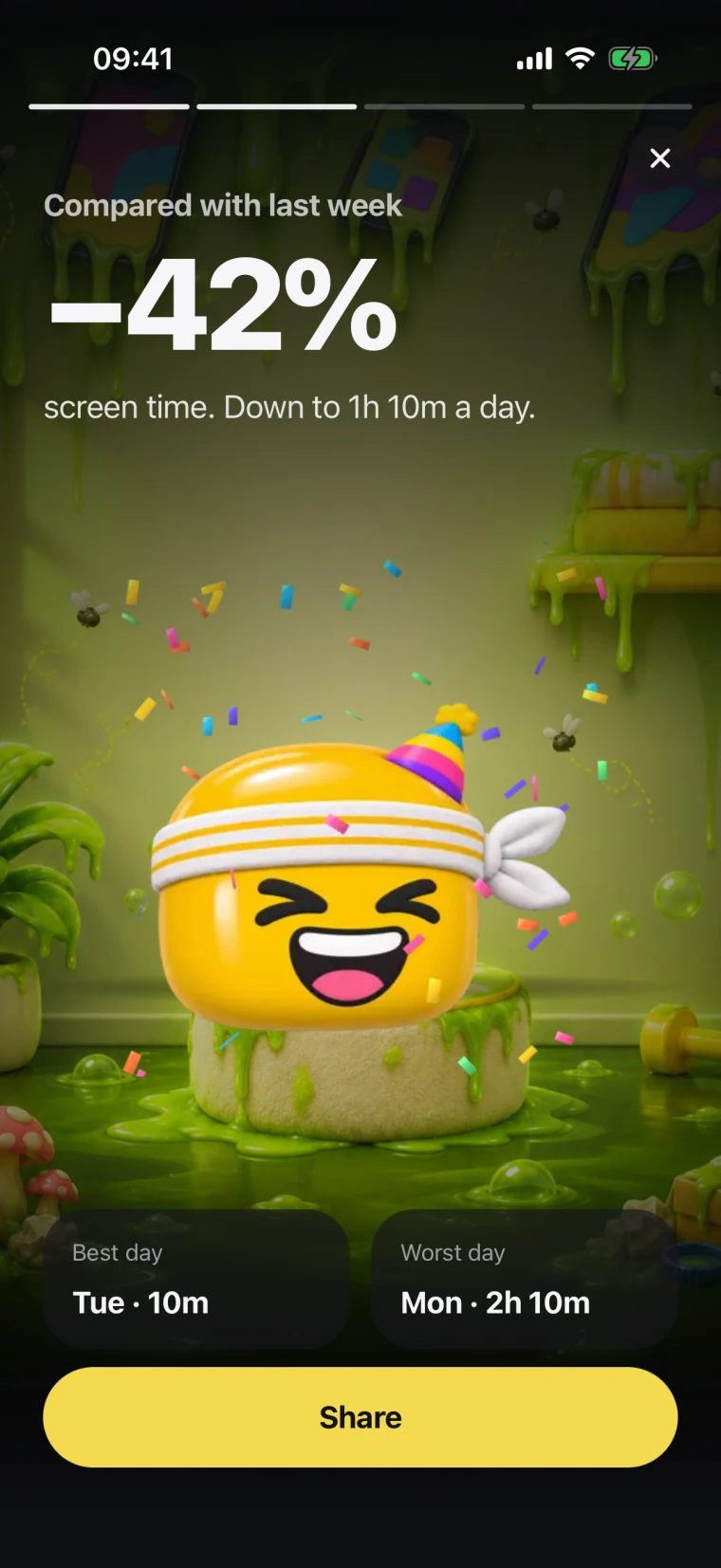
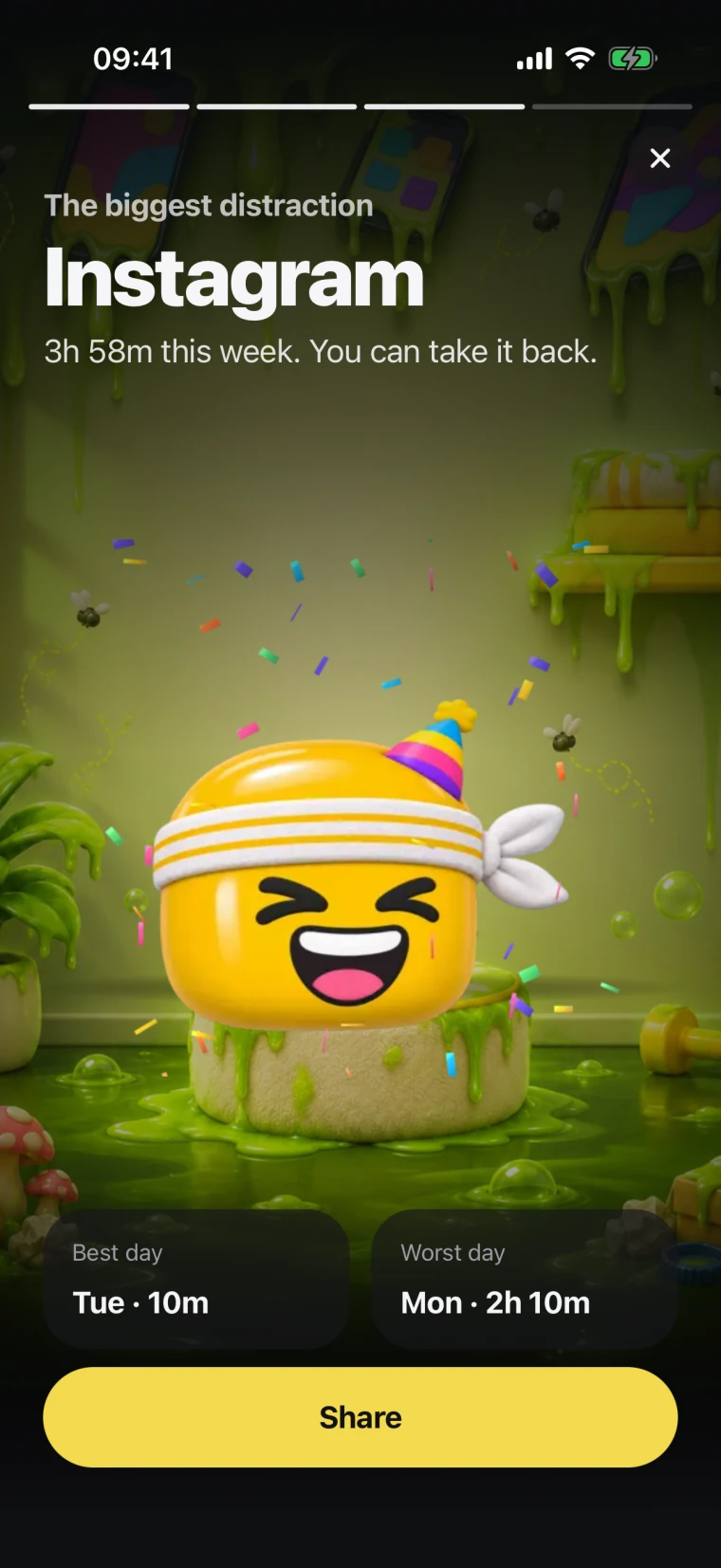
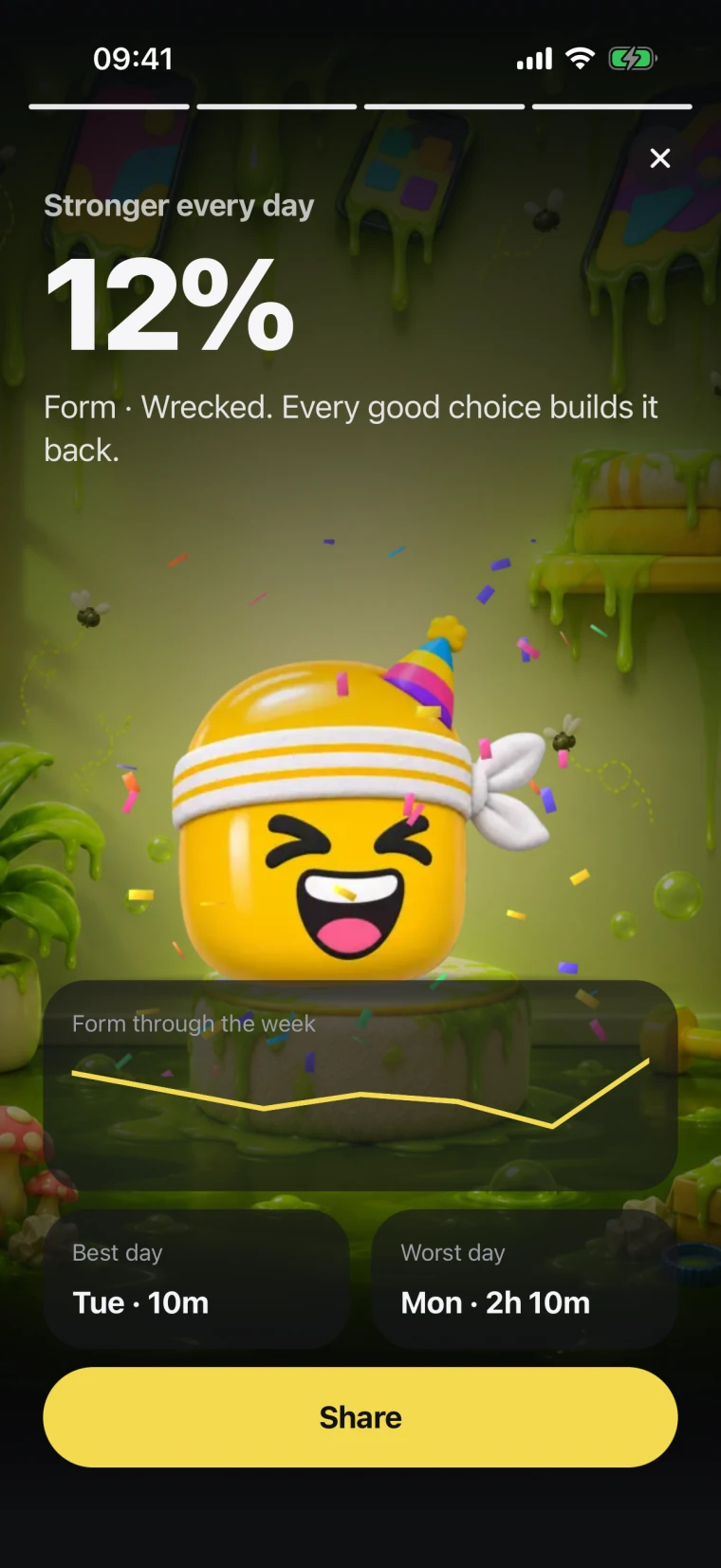
Every Sunday evening: your screen time, your best and worst day, your biggest distraction and Titan’s Form. Share it if you’re proud.

Weekly report: 8 h 08 m this week on your lists
Weekly report: screen time down 42% compared with last week
Weekly report: Instagram was the biggest distraction
Weekly report: Titan’s Form through the week, with a Share button

Simulator captures with demo data

Your screen time is nobody’s business

Titan Lock runs on Apple’s Screen Time. What it sees stays on your phone.

Stays on your phone

Which apps you block, your usage and your Form never leave your iPhone.

Can’t see inside apps

Apple’s Screen Time only tells Titan Lock which apps you picked and how long they were open. Apple hides the app names even from us.

No ads, no tracking

No analytics or advertising SDKs. Nothing is sold or shared.

No paywall

Every feature on this page is free. No subscription, no in-app purchases.

Questions

Something else? Write to [email protected].

What is Titan Lock?

A screen-time app for iPhone. You choose the apps you doomscroll and when they lock. Opening one starts a quick check-in with Titan, and every unlock is earned with a short game or push-ups. The more you scroll, the more Titan Head and his room rot.

When can I get it?

Titan Lock is an iPhone app. Get it from the App Store with the button on this page.

Is it free?

Yes. No subscription, no in-app purchases and no ads.

What does Titan Lock see?

Only what Apple’s Screen Time gives it: which apps you picked and how long they were open. It can’t see inside apps, and Apple hides the app names even from us until you choose them. Your lists, usage and Form never leave your iPhone.

What is Form?

Titan’s score for the day, from 0 to 100. It starts at 100 each morning and drops with the time you spend on your blocked apps, measured against your daily goal. Saying no at a check-in, push-ups and focus sessions win it back.

Is it on Android?

No. Titan Lock is built on Apple’s Screen Time, so it is iPhone only.

Do I need the Titan workout app?

No. Titan Lock works on its own. If you also use Titan, a push-up unlock offers a link to log the set there.

Who makes Titan Lock?

Foxary SRL, a company in Brussels, Belgium, the makers of Titan. You can write to us at [email protected].

Put it down.
He’ll thank you.

Free on iPhone. No ads, no subscription.

Download on the App Store

Want to train for real? Meet Titan, the workout app